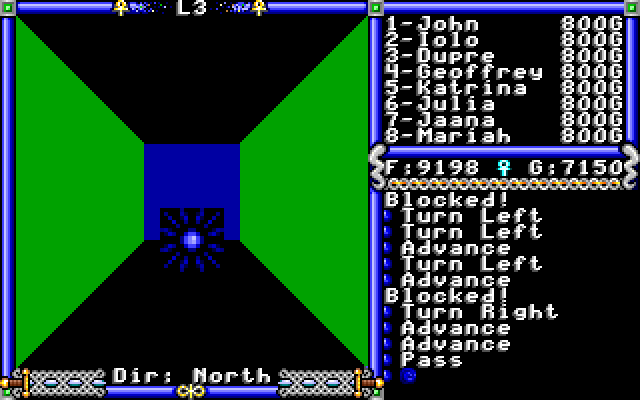
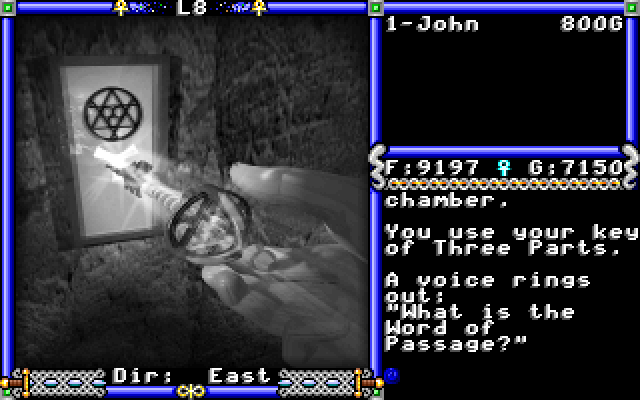
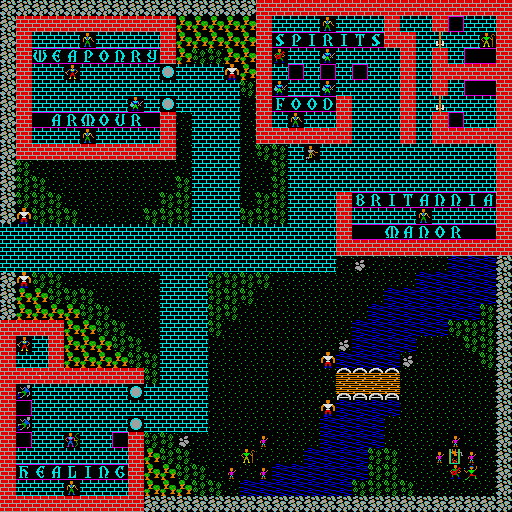
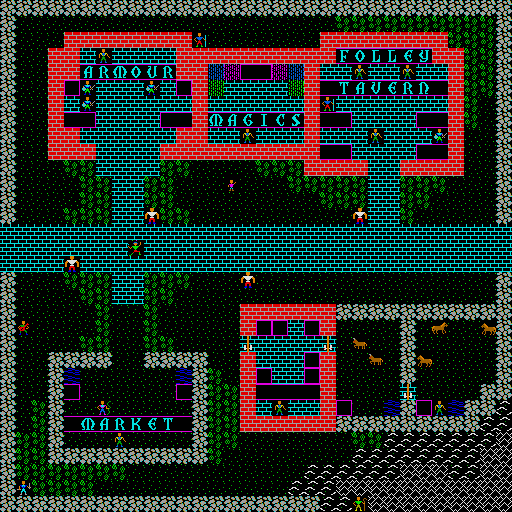
Ultima 4 was originally released supporting a screen resolution of 320x200. Because computers typically run at much higher resolutions now, xu4 will automatically scale all the graphics to a more readable size. By default, it doubles the size of the original graphics, giving a 640x400 view, but it can use several strategies to make the scale graphics look better. The idea and algorithms for these scalers come straight out of Exult. The following shows the available types of scaling, and their results, magnified by an additional two times to clearly show the differences.
| Point Scaler | ![]() |
The point scaler simply doubles each pixel. The result is sharp but blocky. |
| 2xBi Bilinear Scaler | ![]() |
The 2xBi bilinear scaler makes the pixels blend into each other. The result is less blocky but somewhat blurry. |
| 2xSaI Scaler | ![]() |
The 2xSaI scaler is similar to the bilinear, but takes special care to handle angles and get rid of the stair-step effect. The result a bit less blurry than the bilinear, and nice smooth diagonals; the castle turrets in particular look much better. |
| Scale2x Scaler | ![]() |
The Scale2x (formerly called AdvanceMAME) scaler, like 2xSaI, tries to heuristically make angles look nice. But unlike 2xSaI, it does it without interpolating colors; only the original image colors are used. This results in a sharper image. |
Here is an xu4 generated map of the entire Ultima IV world in the VGA tileset (warning, large!): map.png (690Kb)
Here is a map of the entire Ultima IV world using the Amiga tileset: amimap.png (278Kb)
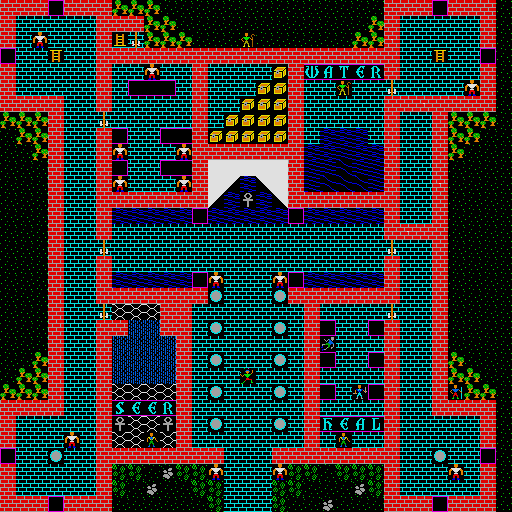
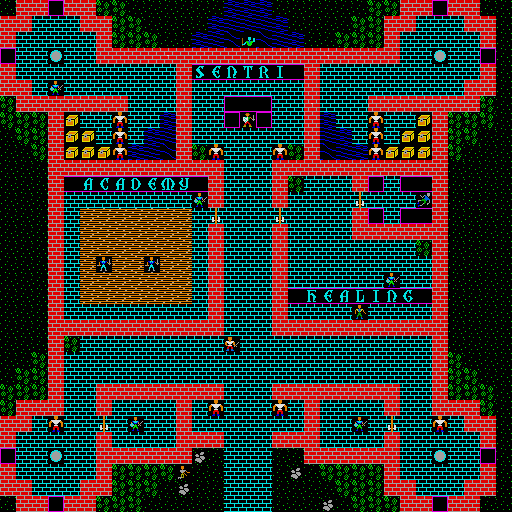
Here are maps of the various townes and castles using the Amiga tileset: lcb_2.png, lcb_1.png, lycaeum.png, empath.png, serpent.png, moonglow.png, britain.png, jhelom.png, yew.png, minoc.png, trinsic.png, skara.png, magincia.png, paws.png, den.png, vesper.png, cove.png.